Frequently asked questions
Does my parent have to install the app too?
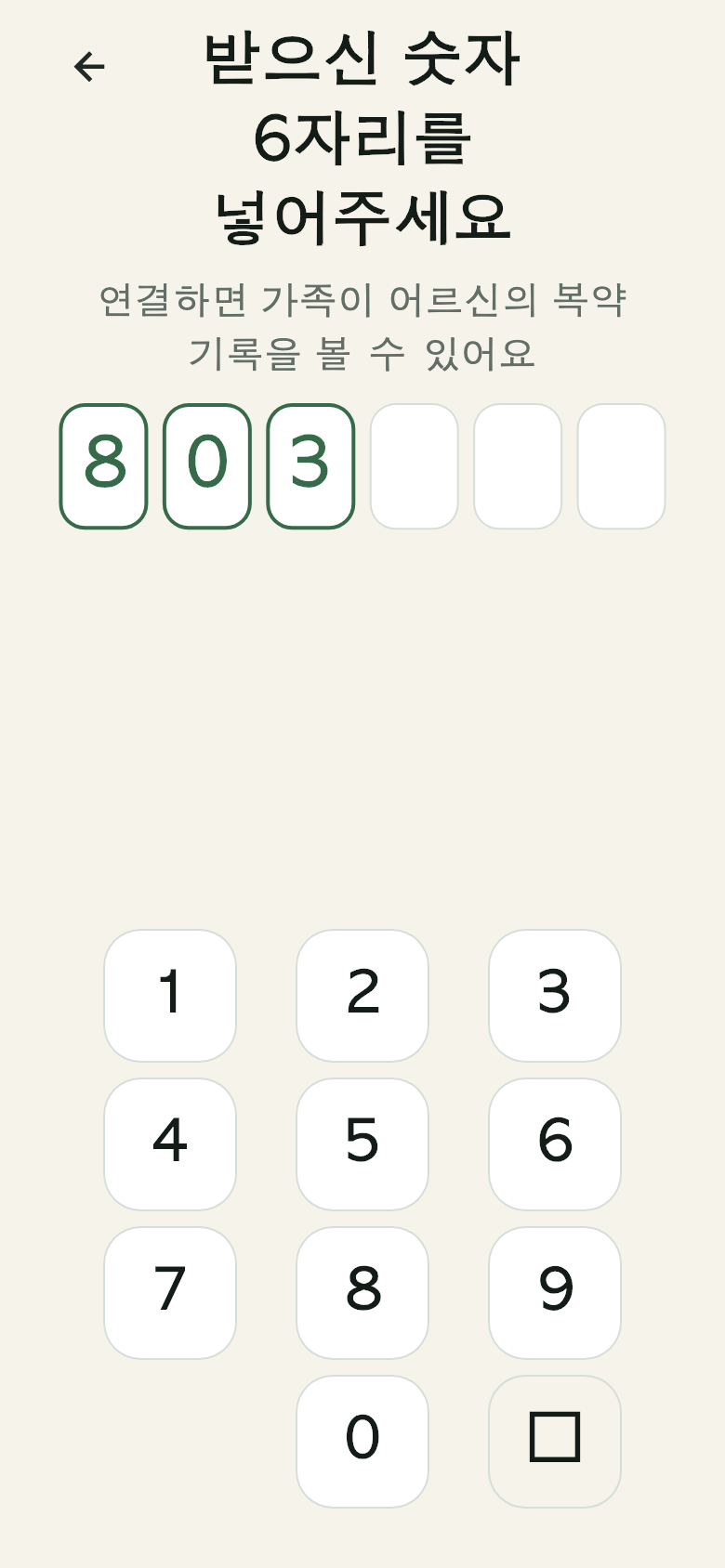 The 6-digit connect screen on the parent's phone
Yes, the app needs to be installed on their phone as well. But **they do not have
to sign in or create an account.** You enter the 6-digit number you generated into
their phone and the connection is done. You can read the number out over the
phone too.
What happens if my parent does not press the button?
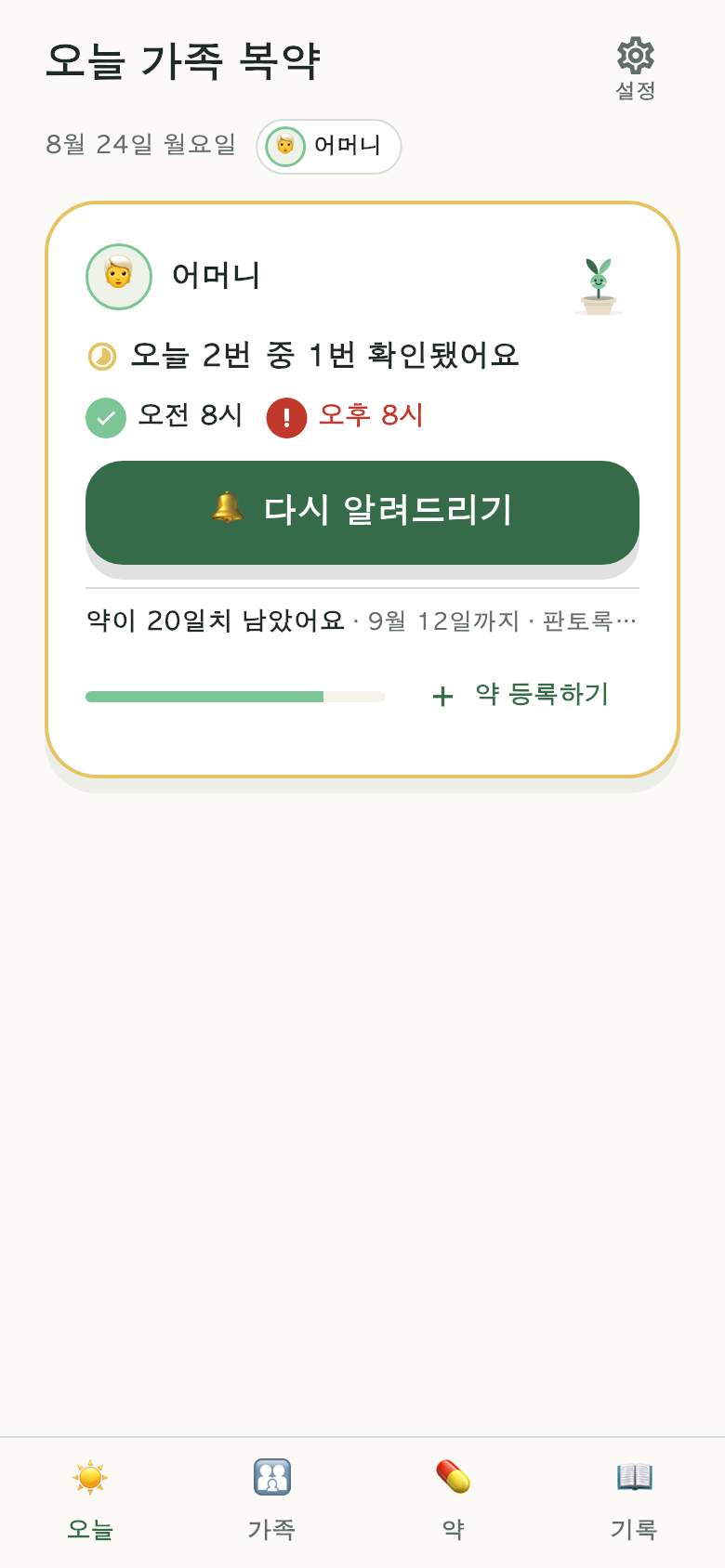 The family view with the "Remind again" button
Your screen shows that the check-in has not been entered yet, and pressing
[Remind again] makes their phone ring once more.
Pilltree never states that a medication was not taken. Not pressing a button
and not taking a medication are two different things, and no app can tell them
apart.
Who can see the medication names and check-in records?
Only connected family. When your parent accepts the connection, they see and
agree to a notice explaining that family will be able to see their check-in
records.
Records are stored on servers in the Republic of Korea (Seoul) and are **not
transferred overseas.** Medication names never appear in notification text
either — so that they do not show up on a lock screen.
Where are photographed prescriptions stored?
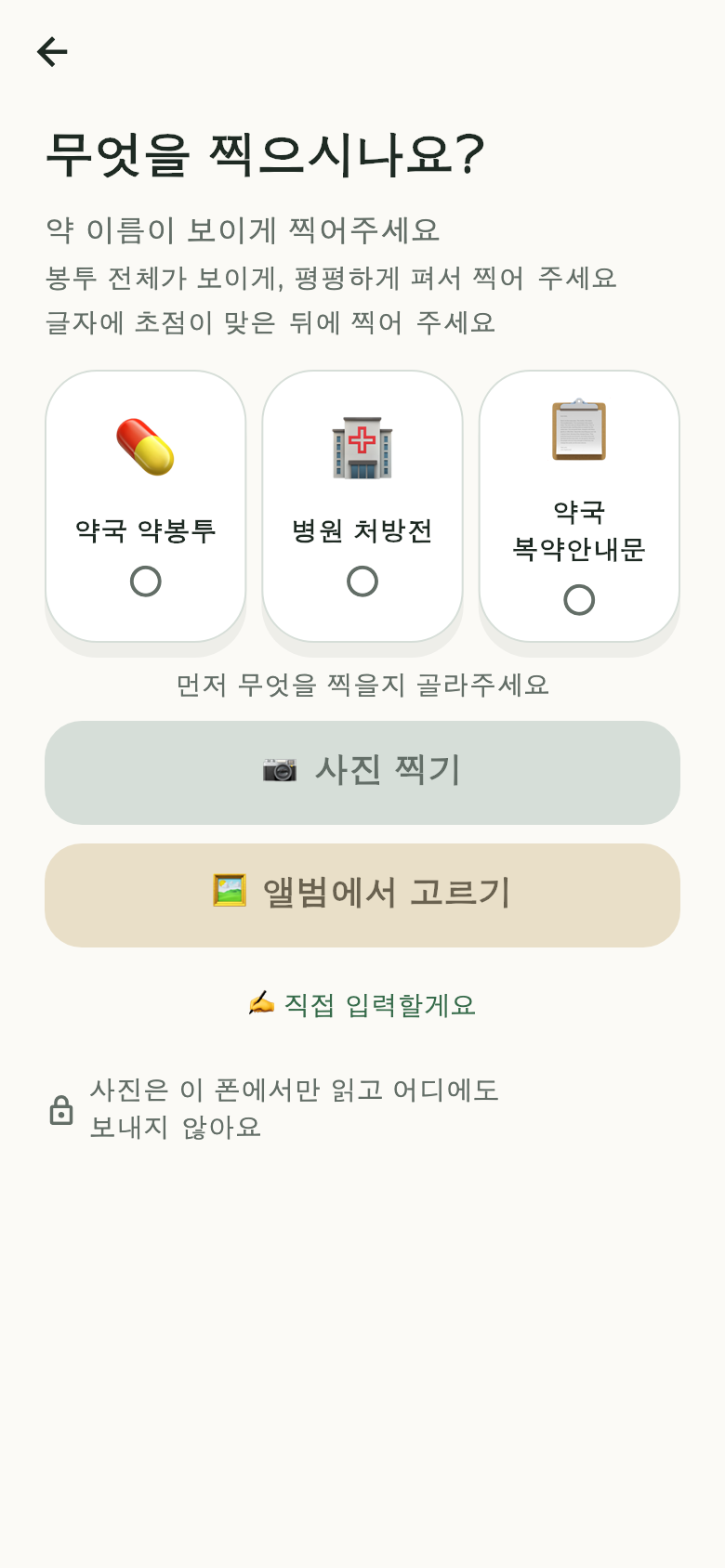 The capture screen — photos are read on this phone only
They are not stored. Text recognition happens on the phone, so the photo
never leaves the device.
How much does it cost?
Right now it is free for one connected family member. If we open connections
for more people, we will announce the scope and pricing on this page first.
I want to delete my account
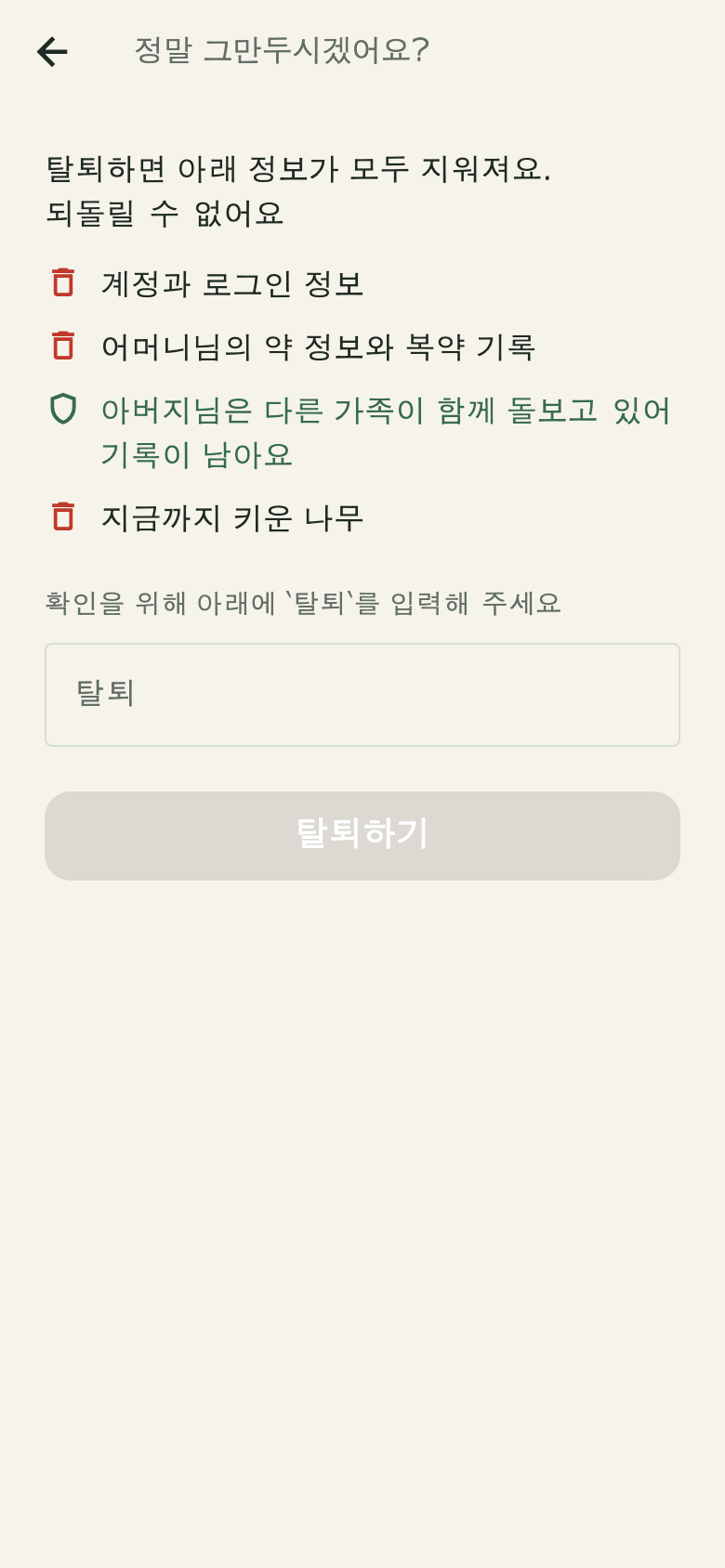 The deletion preview — what will be deleted, shown first
You can delete it yourself from [Settings] → [Delete account] in the app. We
first show you what will be deleted and what will remain.
Records of a senior who is also cared for by other family members remain —
one person leaving must not erase another family's records.
Is it a medical device?
No. Pilltree is a record-keeping tool that reminds you of a schedule you
entered and confirmed yourself. It does not judge whether a medication was taken,
recommend medications, or diagnose symptoms. For anything about the medication
itself, ask the doctor or pharmacist who prescribed it.