Contact
Questions, problems, or anything you want to tell us — pick whichever path is
easier. Either way it is read directly by the person who builds Pilltree, and
we reply within 2 business days.
Path one — send it from the app (fastest)
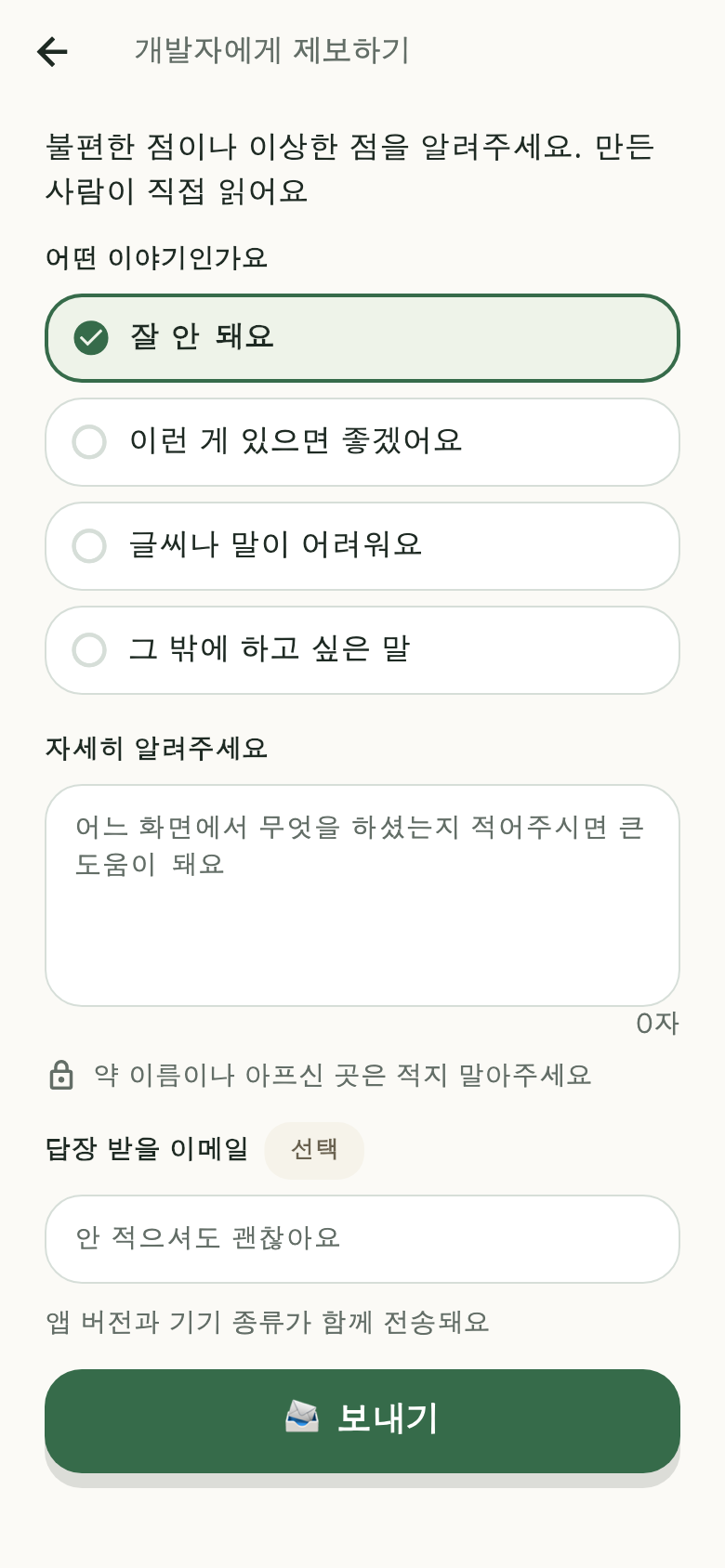 Settings → Report to the developer
In the app, open Settings → Report to the developer and send it right there.
- Pick what kind of report it is, write what happened, and send
- An email address is optional — add one only if you want a reply
- You do not need to include medication names or prescription details — we do not need them to find the problem
Path two — email
support@pilltree.app
Including these makes it faster:
- Which screen it happened on (e.g. the parent's "Time for your medicine" screen)
- When it happened
- Which phone you use (e.g. Galaxy A40, iPhone 13)
You do not need to send medication names or prescription details. We do not
need them to find the problem, and email is not a safe place to keep them.
If reminders are not arriving, check these first
- In the app, open [Settings] → [Notification check] to see the permission status.
- Samsung phones automatically put rarely-used apps to "sleep", which delays
notifications. Remove Pilltree from Settings → Battery → Background usage limits.
- Open the app once on the parent's phone. If the app was deleted and
reinstalled, the phone must be registered again before reminders arrive.
Questions about personal data
Send requests to view, correct, or delete personal data to the email above.
Details are in the privacy policy.
Do you want to delete your account?
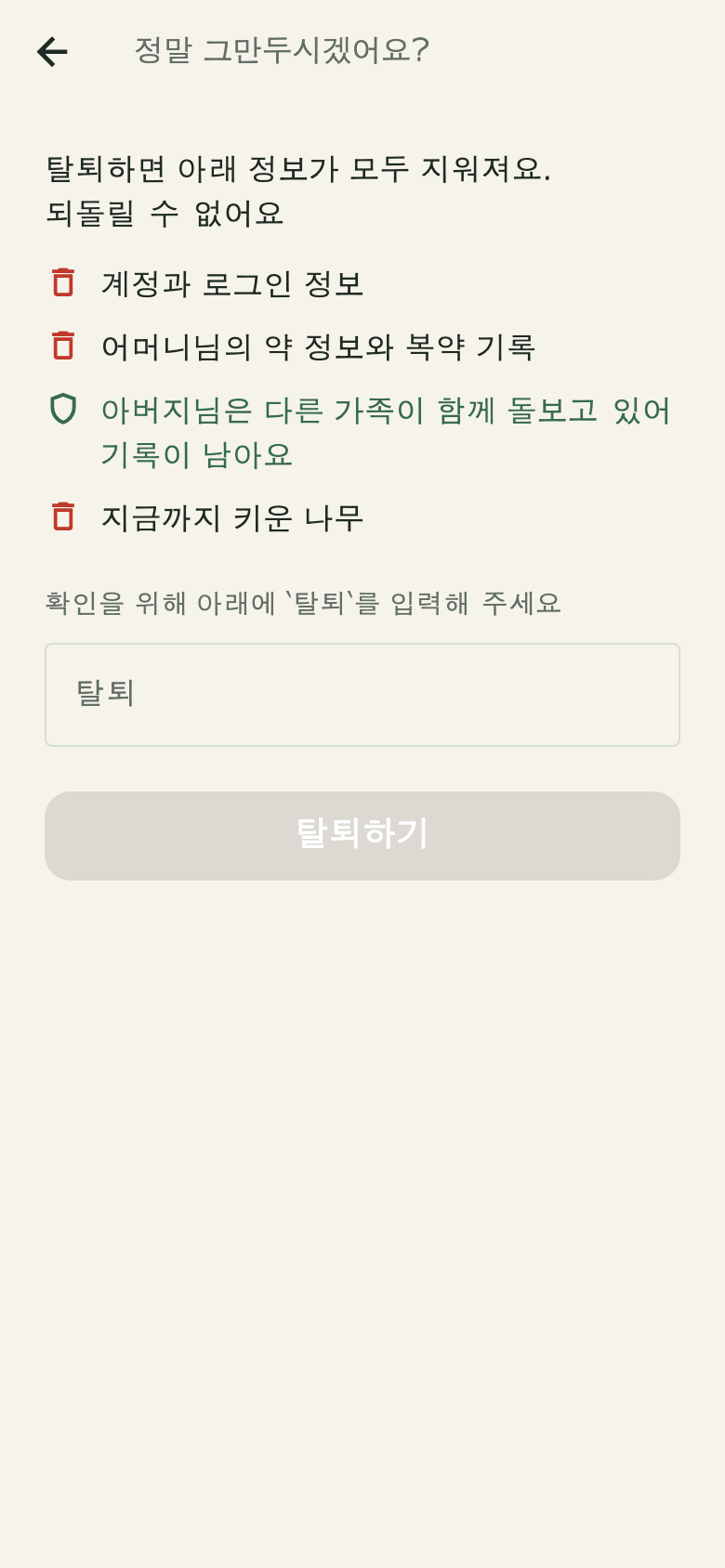 The deletion preview — what will be deleted, shown first
You can delete it right away in the app: [Settings] → [Delete account].
It shows what will be deleted first, and asks twice before deleting.
If you have already removed the app, see Delete account and data.